
How They Work
Dropping Calc analyzes your selected bus path and drop markers to find the best time to jump and the most suitable marker for your drop. The tool provides:- Optimal Jump Timing: Highlights the best time to jump out of the bus for the lime green marker, indicated by a red marker on the bus path.
- Angle Guidance: Recommends the angle to look down—either 90° (straight down) or 35° (for maximum distance drops).
- Drop Marker Selection: Suggests the best marker, but you can choose alternatives (e.g., “use drop 2” or “use drop 3”) for consistency or to avoid obstacles.
- Time Display: Shows the jump times for each drop at the bottom middle of the map. If all times are blank, you’ll need to deploy your glider early.
- Bus Path Input: For best results, select two distinct locations on the map’s edges to mark the bus start and end points.
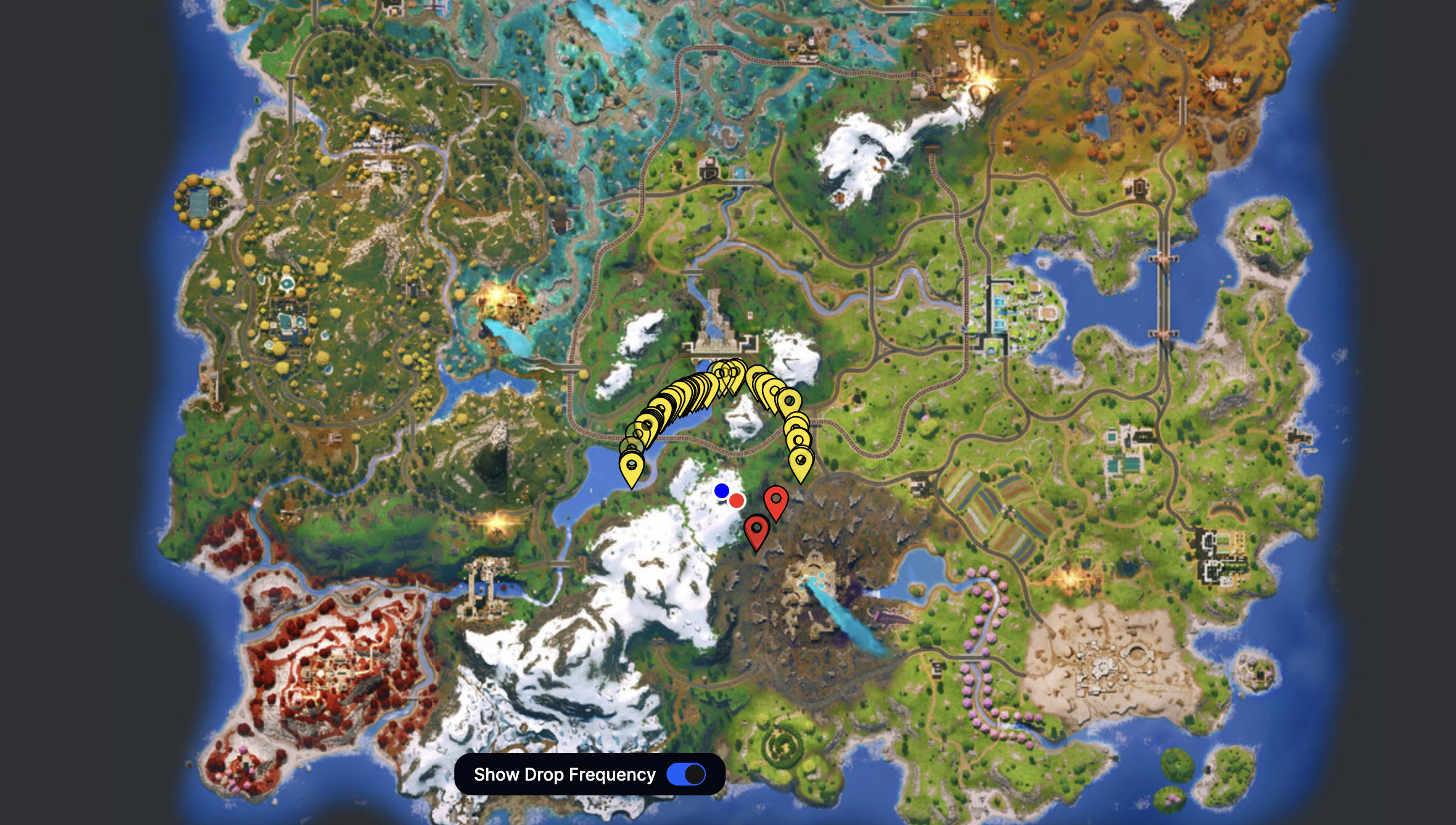
How to use Dropmaps
- Choose a marker on the map that best matches your bus route.
- Glide toward that marker—your glider will auto-deploy as you approach it.
- Select “Show Drop Frequency” to view a general guide on which markers are most commonly used.
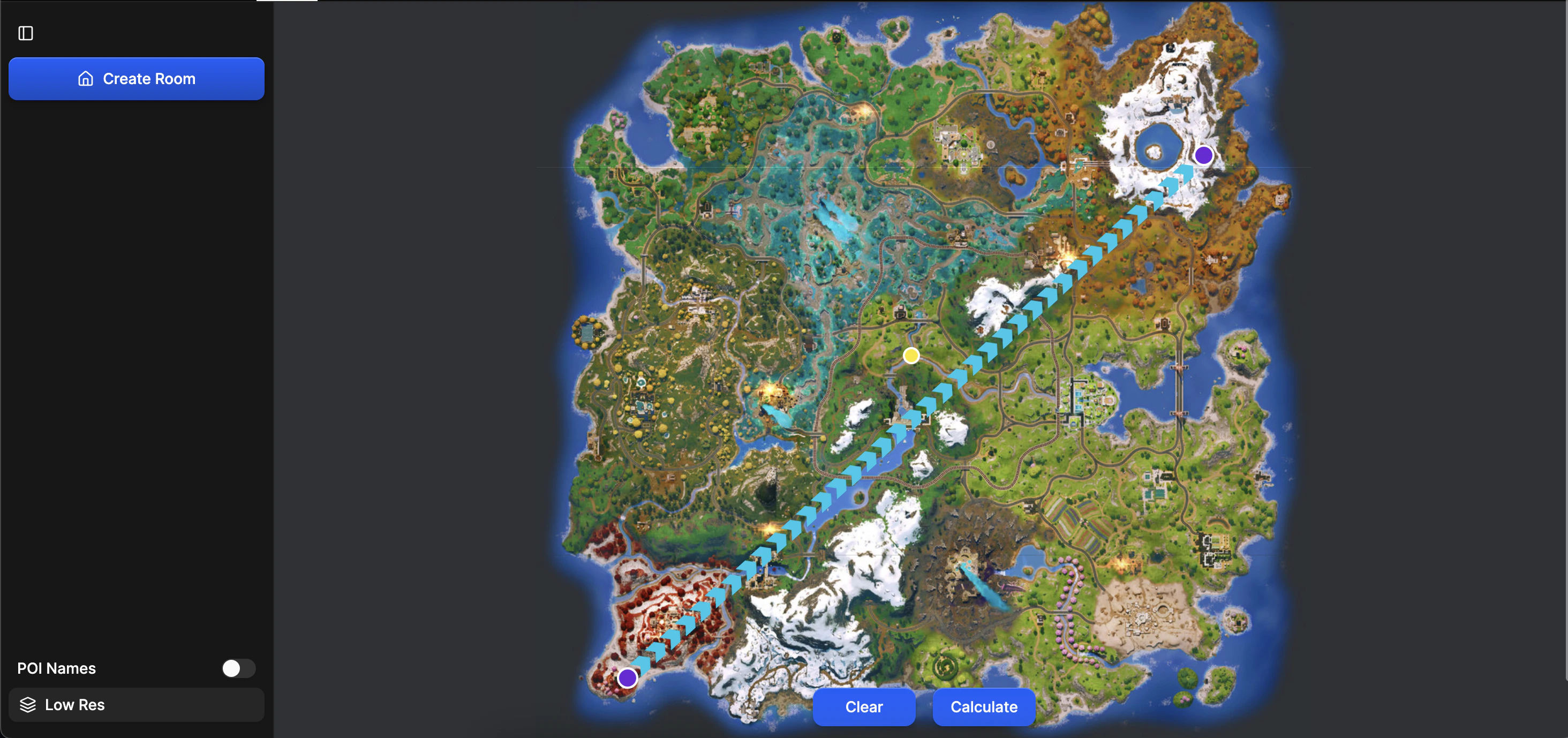
How to use Dropping Calculators
- Click Reset to start fresh.
- Click once to mark the start of the bus path, and again to mark the end.
- Press Find Best Drop.
- The red color shows the best time to jump; the light green shows the recommended drop marker.
- Times and angle info (90° for straight down) appear in the bottom right corner.
- If the bus is too far, the calculator will indicate you need to pull your glider early.
- Multiple drops are available—choose a specific marker by clicking its corresponding “drop” button.
- All information is color-coded, and time differences are shown in the bottom right.